
As for 2014, 2015 will be social!
It is therefore very interesting to optimize your presence on social networks from a local SEO point of view.
You are a local business, your customers are just waiting to find you. Basically, your Facebook page does not present a map. So we’re going to show you a tip, allowing you to add it to your company’s Facebook page.
A perfect tip to optimize your local SEO and improve your presence on search engines.
What is local SEO?
Local SEO concerns all actions to optimize your business so that it appears in search engines, for people searching locally for your business.
The goal is to optimize your Facebook page so that your customers can easily visit your premises.
How to boost local SEO with your Facebook page? It’s easy!
- Add an address or map to your Facebook page.
Step 1: Go to your business Facebook page (not your personal page), then: About > Page information > Address
Step 2: Click “Edit” and enter or update your business address (by default, when creating your page, Facebook does not allow adding the city name, only the zip code ).
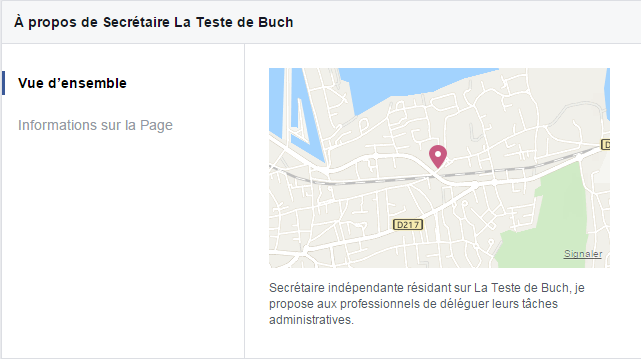
When you go to “About”, the new “Overview” section will be created, where the Facebook card will appear and your company’s website will be mentioned on the right.
If you are a restaurant, a hotel, or a tourist place, this tip will allow you to be displayed on Facebook Places.
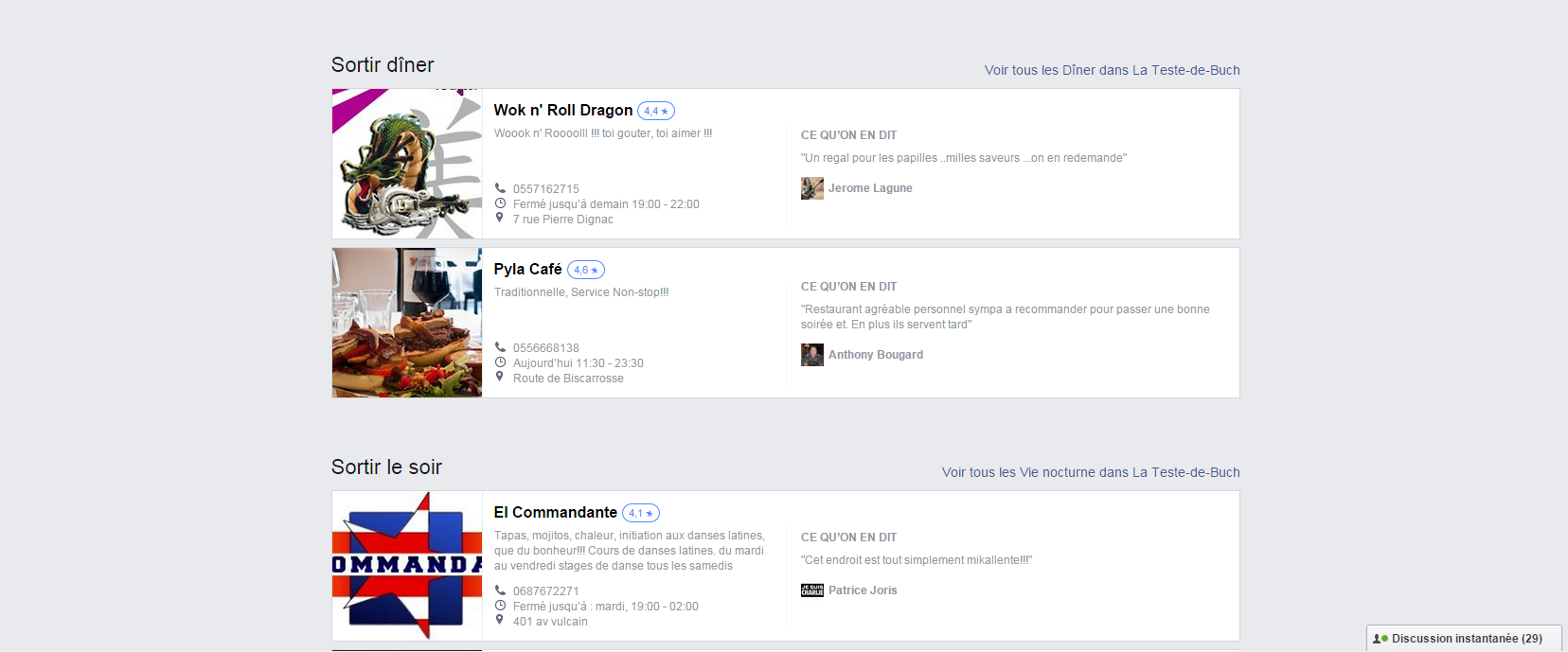
https://www.facebook.com/places/
- Don’t forget to correctly fill out all your business information in the “About” section.
The more correctly your Facebook page is filled out, the better your local SEO and web visibility will be.
Hope this tip was useful to you. Do not hesitate to ask us your questions or opinions in the comments.
Source: https://blog.dlvrit.com/2015/06/boost-facebook-local-seo/


